


Private VDI for Teams That Work From Anywhere
Deploy a secure virtual desktop for every employee in under 24 hours
accessible from any device, from any country, with full control over your data


Build IT for a Distributed Workforce
Your engineers are in Warsaw. Your finance team is in Dubai. Your contractors log in from São Paulo.
Each of them needs secure, instant access to their virtual desktop.
Traditional IT was never built for this. VDI was.
Move to a Secure, Scalable VDI Environment
Virtual Desktop Infrastructure — One Workspace for Your Entire Team
| Traditional Setup | VDI with ITGLOBAL.COM | |
| Data location | On employee devices | In our secured data center |
| New employee setup | 2–5 days | Under 24 hours |
| Lost or stolen device | Potential data breach | Zero data at risk |
| Hardware cost | Full workstation per user | Any thin client or laptop |
| Scaling | Hardware procurement cycle | Add desktops in minutes |
| Remote access | VPN + local device | One click, any device |
Why Businesses Choose VDI
Work from Anywhere in the World
Your team connects to their full virtual desktop via VMware Horizon Client — on any device, from any location. The workspace is identical whether someone is in the office, at home, or in a hotel in Tokyo. No VPN complexity. No "works on my machine" calls to IT
Cut Hardware Costs — Without Cutting Performance
With desktop as a service, processing moves to the server. Endpoints only need to run a lightweight client, which means you can run your team on existing hardware for years longer and skip expensive workstation purchases for every new hire. CapEx becomes predictable OpEx.
Your Data Stays in the Data Center — Not on Devices
Files, applications, and user data live inside ITGLOBAL.COM's infrastructure. If a laptop is lost or stolen, there is nothing on it. IT admins revoke access from the portal in seconds — no physical intervention, no recovery effort, no breach.
Enterprise Security Without the Enterprise Complexity
SSL encryption on all external connections. Load balancing and session logging via VMware Horizon Connection Server. Optional IPSEC VPN, firewall, DDoS protection, and Kaspersky Security for Virtual Environments — all configurable without touching the underlying infrastructure yourself.
Your Security Is Not a Feature. It's Our Foundation.
SSL/TLS Encryption
Every external connection is encrypted with certificates from trusted public Certificate Authorities. No unprotected traffic.
DDoS & Intrusion Protection
Network-level attack filtering at OSI layers 3 and 4, available as an add-on for environments with elevated threat exposure.
Security for Virtual Environments
Agentless antivirus built specifically for VDI workloads. Full protection with zero performance impact on virtual desktops.
Veeam Backup & Replication
Policy-driven automated backup with self-service restore. Backup storage is physically independent from production infrastructure — you set the schedule, we keep it safe.
Granular Access Control
Provision and revoke access at the user level from the self-service portal. No ticket required. No delay.
Full Audit Logging
All session events are logged via VMware Horizon Connection Server for compliance, forensic, and reporting purposes.
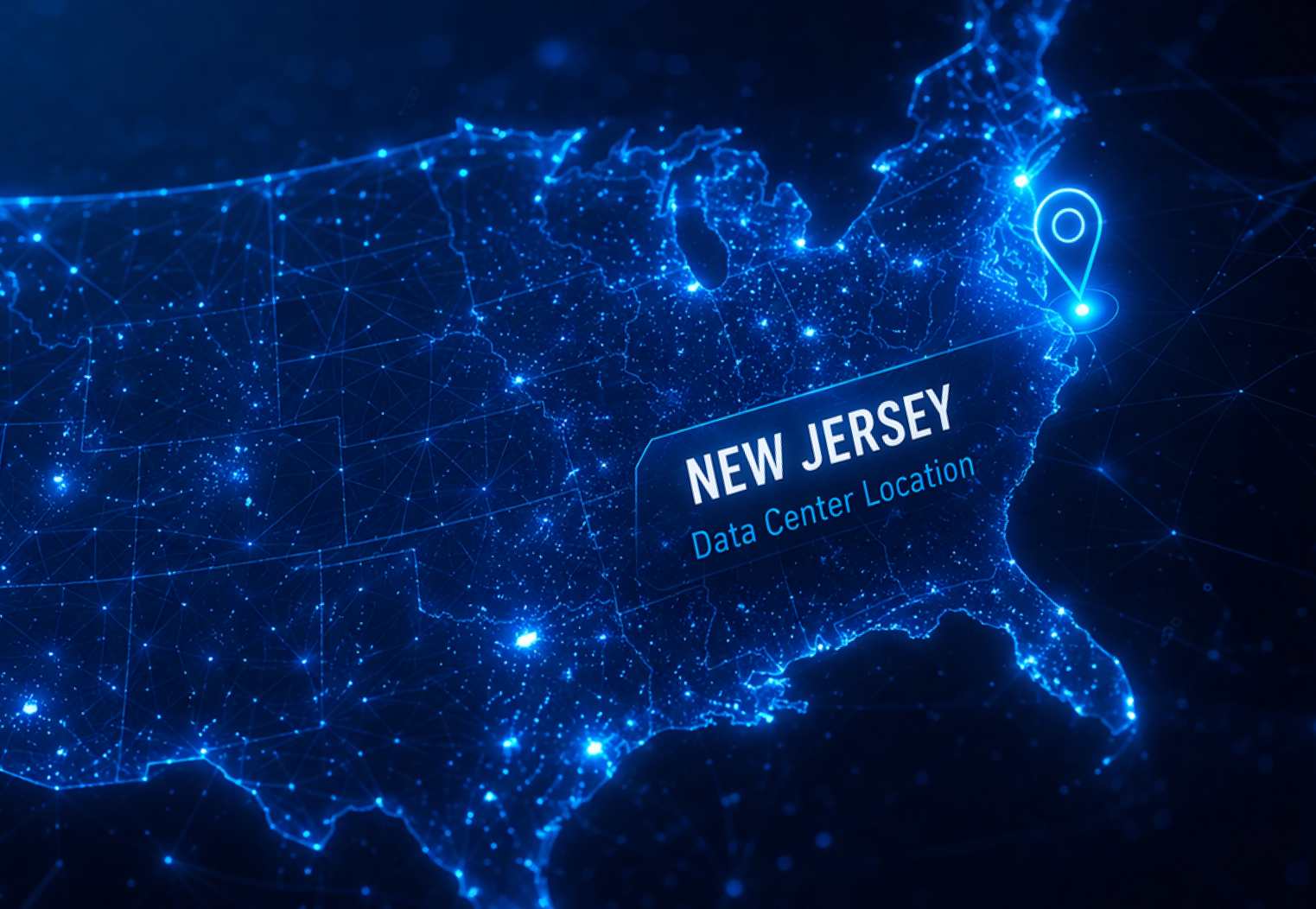
Expanding in the US — So Your Team in America Never Misses a Beat
- US-based virtual desktop cloud — low latency for teams on the East Coast and beyond
- Data stays in the US — meet local compliance and data residency requirements
- Connect globally, control locally — manage all users from a single portal, regardless of location
- Same-day provisioning — new hires in any US city get their virtual desktop without hardware shipping or IT travel
From First Call to Live Desktops in 24–48 Hours
Built for Teams Like Yours
Stop spending days onboarding remote employees. With VDI, access is provisioned in hours — no hardware shipped, no IT dispatched. Standardize the workspace across every location and device, and revoke access the moment someone leaves.
GPU Workloads Run AutoCAD®, Revit®, SolidWorks®, and other 3D applications from a thin client or laptop. ITGLOBAL.COM virtual desktop solutions support NVIDIA vGPU profiles, delivering hardware-accelerated rendering without a local workstation
Keep sensitive data in a controlled, auditable environment. Choose your data center region — New Jersey (US), Rotterdam (EU), or Dubai (UAE) — and meet data residency requirements without compromise.
Grant scoped access to your virtual desktop cloud without opening your internal network. Set an end date, revoke on day one, and collect no hardware when the engagement ends
When an office goes offline, every employee reconnects from wherever they are — same desktop, same files, same tools. No downtime. No scramble.
Opening a new office or hiring across borders? Provision desktops for a new country before a single desk is assembled. Your virtual desktop server infrastructure scales with you, not after you.
Components of Your Remote Desktop Environment
- VMware Horizon Connection Server — session management, authentication, and load balancing
- vSphere compute layer — virtual desktop VMs with configurable vCPU and RAM per user
- Datastore — scalable storage for desktop images and user data
- VMware Unified Access Gateway (UAG) — SSL-secured gateway for all external connections
- NVIDIA GPU nodes — for 3D rendering, CAD, and compute-intensive workloads
- Self-service management portal — full desktop lifecycle control without opening support tickets

VDI Features
| Feature | Details |
| Virtualization platform | VMware Horizon, operated under VCPP |
| Supported guest OS | Windows, Linux (full list on request) |
| GPU acceleration | NVIDIA vGPU profiles (subject to hardware availability) |
| Self-service portal | Create/edit templates, configure resources, mount ISOs, manage user access, control power state |
| Storage | Configurable datastore allocation per environment |
| Networking | NAT, Firewall, IPSEC VPN, Load Balancer, custom routing |
| Backup | Veeam Backup & Replication (optional add-on) |
| Antivirus | Kaspersky Security for Virtual Environments (optional add-on) |
| DNS | PTR records, secondary DNS for client domains (on request) |
| SLA | Per-service agreement with defined responsibility matrix |
What's Under the Hood
Components of Your Remote Desktop Environment
- VMware Horizon Connection Server — session management, authentication, and load balancing
- vSphere compute layer — virtual desktop VMs with configurable vCPU and RAM per user
- Datastore — scalable storage for desktop images and user data
- VMware Unified Access Gateway (UAG) — SSL-secured gateway for all external connections
- NVIDIA GPU nodes — for 3D rendering, CAD, and compute-intensive workloads
- Self-service management portal — full desktop lifecycle control without opening support tickets

Get Started Today
- You fill out the form or book a call
- Our engineer reviews your requirements
- You receive a tailored proposal with pricing, specs, and timeline
Blog

VMware Public vs Private Cloud Hosting: Differences, Benefits, and How to Choose

Website Attacks and Security Threats: What You Need to Know and How to Protect Your Systems

AI in VDI: How Artificial Intelligence Predicts Failures and Automates User Support

NVIDIA GPU Servers: How to Choose the Right One for Your AI Workloads

ITGLOBAL.COM Partners with MSI to Drive the Future of Cloud Solutions
Why Сompanies need VDI: Benefits, Cases and Pitfalls. Complete Business Guide 2025
